Ahel Desktop.
Your apps, approvals and vault in one chat. Sign in with your ahel.ai account.
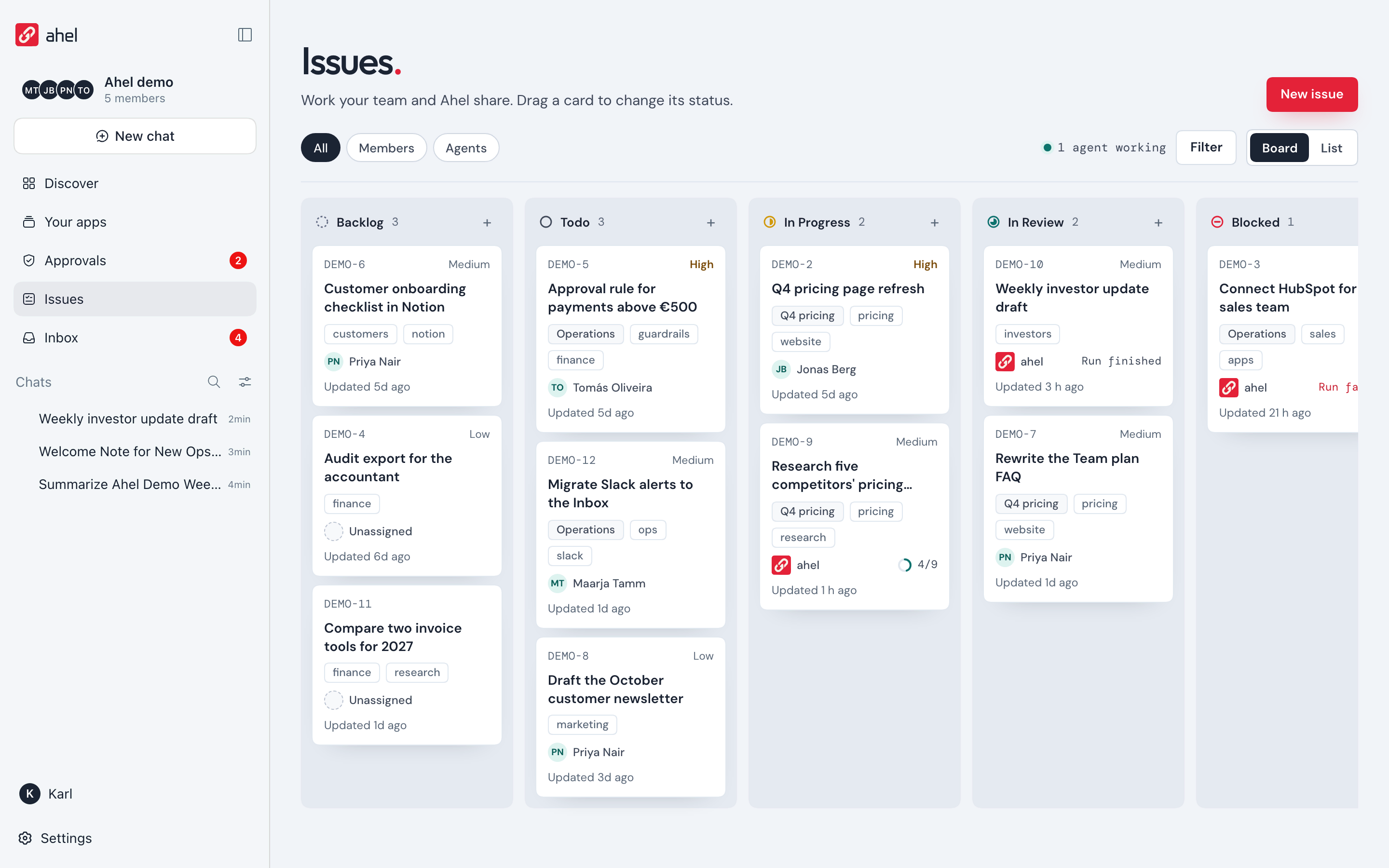

What it does
One app for your AI work.
Discover and add apps
Browse the catalog and add an app in one click. Its tools, cards and approvals work right in the chat.
Approvals and a vault for your team
Calls your workspace rules hold wait for an owner or team lead to say yes. Keys stay in the shared vault, never in a chat.
Your models, your keys
Use the models on your ahel.ai account or bring your own API key. Coding CLIs already on your computer are detected and ready to use.
Beta: opening it the first time
Ahel Desktop is a beta and is not notarized by Apple yet, so your computer asks once before the first start.
- macOS
- Open Ahel Desktop once. macOS refuses it; click Done.
- Open System Settings → Privacy & Security, scroll to Security, click Open Anyway next to Ahel Desktop and enter your Mac password.
- Open the app again.
- Windows
- The Windows beta is on the Releases page on GitHub. When SmartScreen asks, click More info, then Run anyway.
Build from source: the steps are in the README